February 18th, 2026
BFG Release Notes 2026.02.3
New Feature
Introducing the New Shop Page
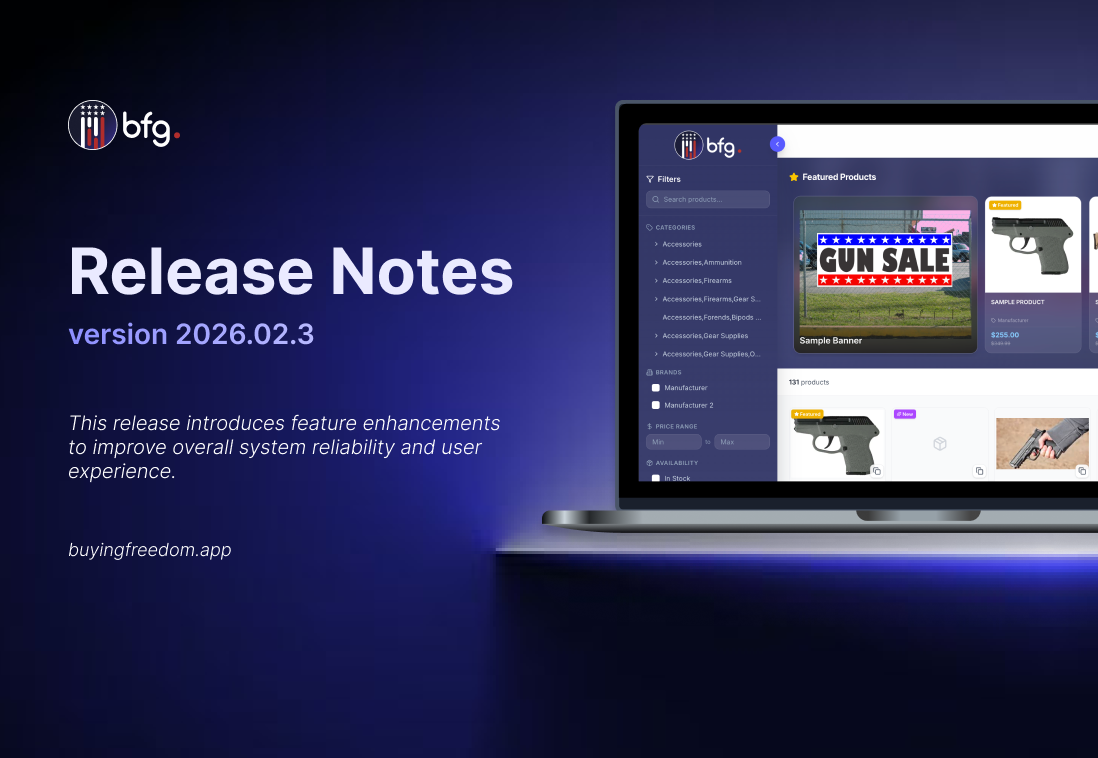
Introducing the new Shop page, which will replace the Create Order page, enhanced for easier navigation, better product visibility, and seamless sharing. Search and filter options are now located on the left-hand side to keep products front and center. A Shop button near the cart provides one-click access to the Shop page.

Featured Products
Featured Products, selected by manufacturers, are now prominently displayed in a carousel for users to easily browse and discover.

Product pages
Users can now share product pages via URL. Non-registered users will be prompted to log in or create an account before completing a purchase.

Enhanced Order Management with Cancel, Refund, and Charge
Admins can cancel orders, issue refunds, and charge items directly from the order details page.
Charge
Items can now be charged for payment directly, allowing transactions to be processed quickly and securely.

Refund
Refunds can be processed per item or for the entire order, but cannot exceed the original payment amount. They are blocked for shipped orders.

Cancel
Cancelling an order automatically restores inventory, marks the order as Cancelled, and excludes it from reports.
Enhancements
Enhanced Onboarding Workflow with Automated Emails and Error Alerts
The onboarding acceptance email process has been automated to streamline workflow and reduce manual effort. User invitation emails are now sent automatically once company registration is completed. If the company is not yet registered in the BFG platform, a new store or brand is created and associated with the FFL provided. Additionally, the system provides clear error messages during onboarding, ensuring users are informed and can take corrective action.
Enhanced Order Settings for Store and Product Configuration
Orders Settings are now consolidated into a single menu for easier configuration and navigation, with an inline info message in the Direct Ordering Configuration tab clarifying that when both Allowed Stores and Restricted Stores are turned off, products are visible to all stores by default.
Store Settings
Manage all store-related ordering controls in one place, including Direct Ordering Settings, Allowed Stores, and Restricted Stores.

Product Settings
Configure product-related ordering rules in one place, including Product Restriction Settings and Quantity Restrictions.

Enhanced FFL Match Filters with Clear Status Indicators
FFL Address Match and FFL Number Match filters have been updated to eliminate blank values. Non-matching or non-comparable records now return FALSE with a clear reason, and the FFL Address Match Confidence % and FFL Number Match Confidence % fields display 0% when there is no record to compare, ensuring all records provide clear and actionable information.